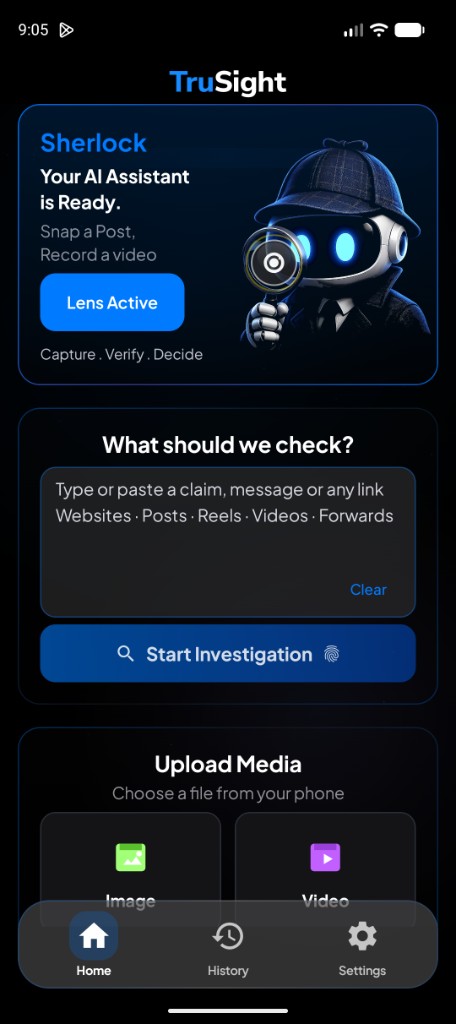
Sherlock
Meet Sherlock.
Your investigator inside TruSight.

You don’t need to know which check to run.
Input Sherlock Investigation Result
He names what to check.
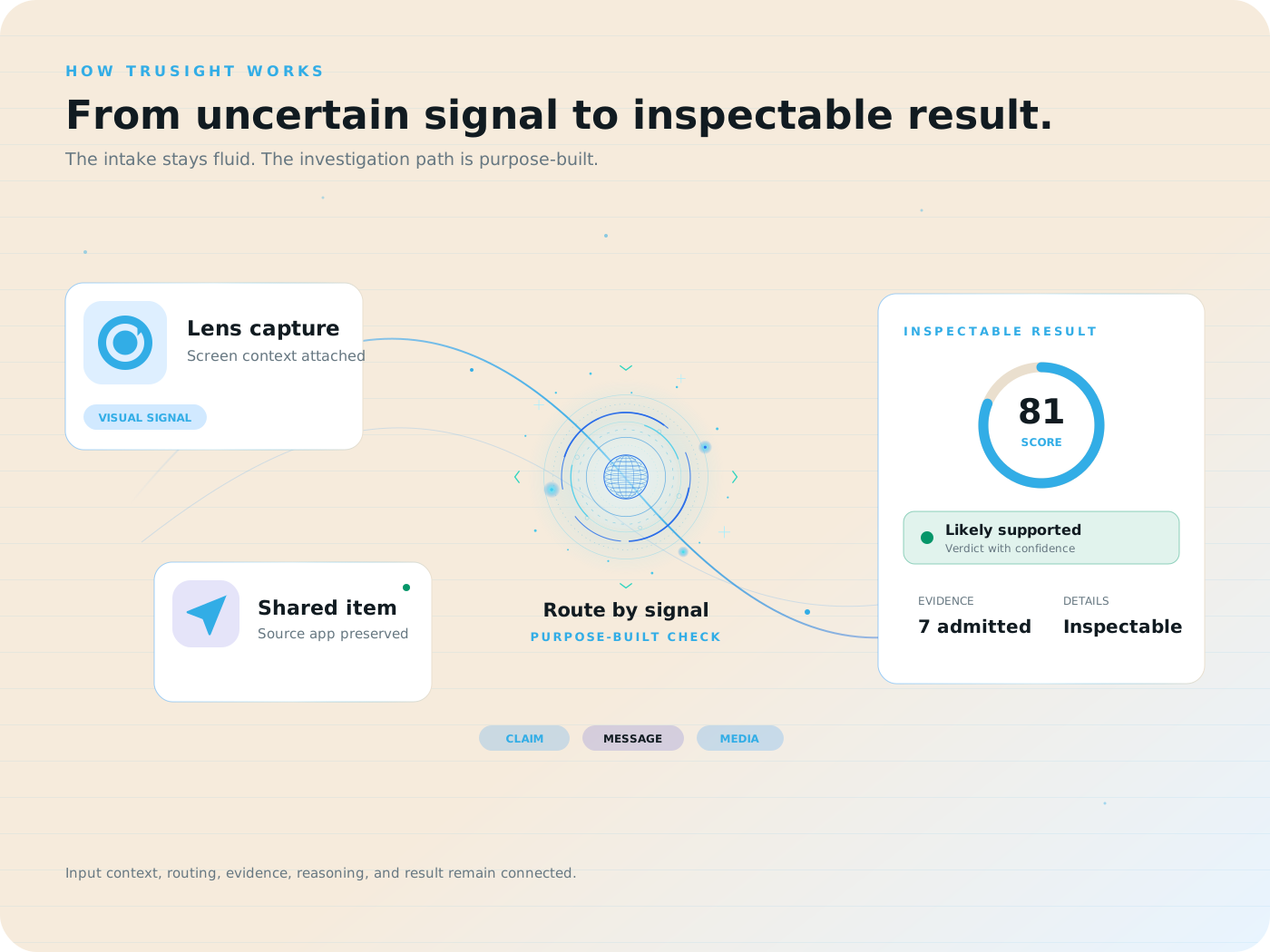
TruSight investigates.
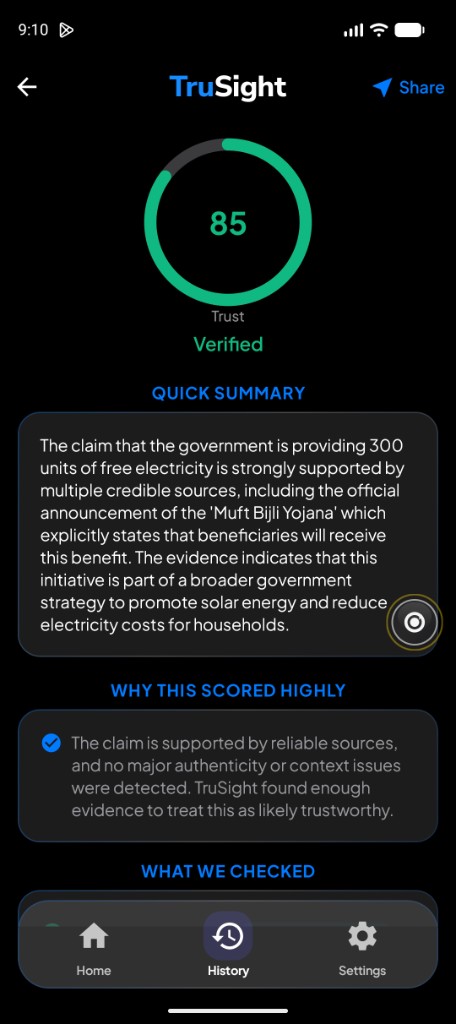
You see why.
On your phone
Different controls. The same investigator.
Floating Lens
Open the optional floating button while you browse. Tap it when you want to capture a screenshot or short screen recording and approve the system prompt.
Share, Shortcuts and Action Button
Send content through the Share sheet or use the Sherlock Shortcut from Shortcuts or the Action Button.
Something in front of you
Use TruSight’s camera and document flows for pages, IDs, product labels and other physical material.